01
Collect and preserve
Organize authorized scene photos, measurements, scans, vehicle references, records, and expert notes. Keep originals and metadata intact.


Visuals for Law brings the case story. GO3D brings capture, 3D processing, and review tools. Together, the workflow can help counsel and experts explain accident scenes, injury mechanisms, and medical timelines with clear, carefully reviewed visuals.
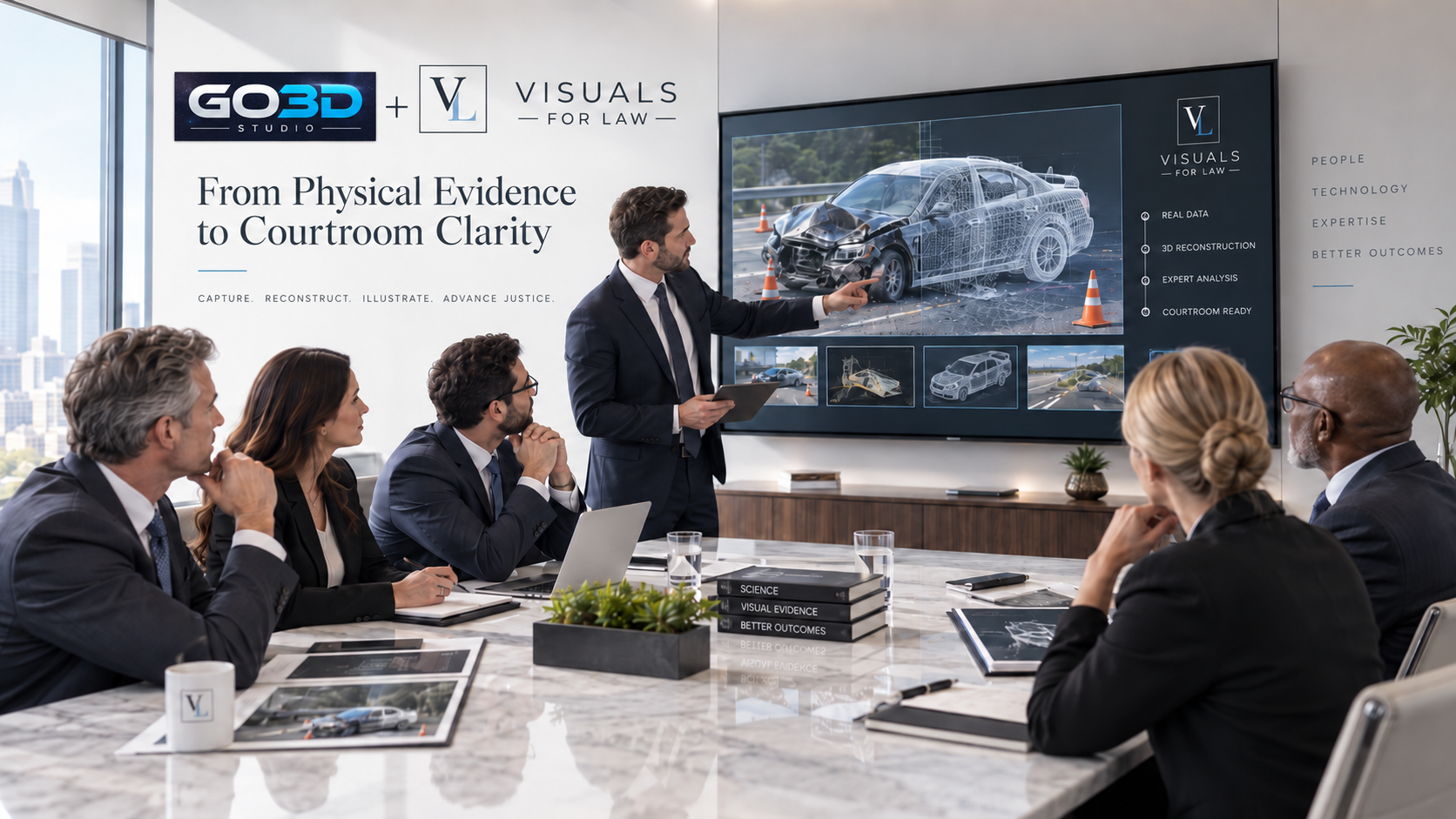
Review the exterior, historical site geometry, source layers, and a documented reconstruction report. Release 3 — October 23, 2026.
This is a review release with unverified accuracy. Exterior details include inference; no measured interior is available. The report records the source dates, methods, findings, and remaining requirements for a survey or verified LOD 300 deliverable.
Use scene geometry, vehicle and object context, human position, approved medical references, and a clear timeline to build demonstratives that are easier to review and discuss.
The demonstration is designed for motor-vehicle collisions, premises incidents, and other accident matters involving human injury. It can support visual communication around scene layout, sequence, movement, and expert-provided injury information while keeping the source material traceable.
Each step is a proposed case workflow. Pick only the parts that fit the assignment and the experts’ method.
Organize authorized scene photos, measurements, scans, vehicle references, records, and expert notes. Keep originals and metadata intact.
Prepare a spatial scene or 3D reference from approved capture, then label assumptions, missing data, and source links for review.
Visuals for Law can shape scene views, timelines, body position, motion, and expert-directed injury callouts for a specific audience.
Share a controlled draft for comments, record revisions, and hand approved views or assets into the existing Adobe production workflow.
Existing capabilities and reusable patterns are labeled separately from partner-specific ideas that still need scoping and testing.
Reality capture and 3D preparation can establish scene geometry and create reviewable visual context for an assignment.
Browser-based 3D presentation patterns let a team orient, rotate, zoom, and review the same draft in one place.
Structured requests, deadlines, source notes, review rounds, and handoffs can reduce scattered instructions.
Potential demonstratives may show orientation, movement, and expert-provided injury locations without changing source medical material.
Prepared camera views, stills, and organized 3D references can feed the Photoshop, Illustrator, and After Effects work you already do.
Plain-language checklists and named steps can help the team repeat intake, review, and export tasks consistently.
Keep original photos, scans, medical records, and metadata separate from edited, reconstructed, or illustrative material. Identify inputs, assumptions, edits, and limitations. Injury descriptions and medical interpretations must come from the responsible qualified experts; demonstratives should be reviewed by the case team before legal use. Do not put identifiable case records or protected health information on this public demonstration page.
These public resources support the Adobe and reconstruction workflow. AI features are optional and never replace evidence review.
Examples of photo-based reconstruction and scene visualization.
Short, practical references for the software John already uses.
Open the existing printable GO3D × Visuals for Law guide. The page above narrows the discussion to accident and injury matters.
Choose one recurring bottleneck and use a real approved assignment to test the fit.
John and the Visuals for Law team can review one approved workflow with GO3D, identify a small test, and decide whether the processing or handoff removes friction.